

Description
MQ EUROPE · UV LED printing
Small objects. A bigger impression.
The MBO 6090 UV printer combines fast print speed with increased production capacity. Built with heavy-duty components, it can support multiple high-performance printheads and a CMYK LC LM white varnish UV ink configuration. More information Delivery time: between 2 and 8 weeks
A closer look at the machine
MBO 6090 UV Printer
The MBO 6090 printer has a print area of 60cm wide x 90cm long x 7.5cm high (or 17.5cm high). The built-in automatic height sensor will detect the products and position the table so that it is at an optimal distance (1-3 mm) from the print head for the highest possible print quality.
Our repositionable templates make it easy to print products of different shapes and materials. Simply remove one template and insert a new one to change from one product to another. The built-in UV-LED lamp cures inks instantly and creates durable and solid prints on metal, glass, wood, stone, plastic, fabric, vinyl and many more materials.
- Steel frame, alloy aluminium table and machined surface.
- Double feed screw with servomotor.
- Three printheads for maximum speed and colour accuracy.
- 4- LED lamps with water cooling system.
- 60 x 90 cm usable print area with up to 175 mm height
- Bulk ink supply system, positioned at the rear of the machine, with 500 cc tanks.
- Built-in vacuum table that holds flat substrates in place.
- The table is open at the back and front, allowing large products to be loaded. Easy access during printing for loading and unloading.
- Approx. dimensions: 155 cm wide x 165 cm long x 121 cm high; weight approx. 350 kg.
Inks
18 ink channels: 6 channels for full colour CMYK LC LM inks and 6 channels for white inks plus 6 channels for varnish.
Bulk ink system
- All inks are feeded from 500 ml inktanks. The bulk ink supply system reduces the need for refilling and maintenance and provides an uninterrupted ink flow. Simply add ink to the reservoir and you’re ready to continue printing, with no need to remove or clean cartridges. Our inks are certified as not toxic and the prints have been teste and proven safe for babies and very durable.
One set of inks can print up to 65 square metres!
White ink tank with agitator
- Thanks to the white ink you can print directly on almost any material. You can make solid white prints or use it as an opaque base for colour prints. With the agitator you can keep your white ink in perfect shape.
Ink level sensor
- The ink tanks are equipped with an ink level sensor that tells you when the ink needs to be refilled.
Varnish
- The varnish provides a special shiny artistic relief effect.
Software
MBO offers advanced RIP software and Print software, depending on your business needs. Some of the features offered by the RIP software include:
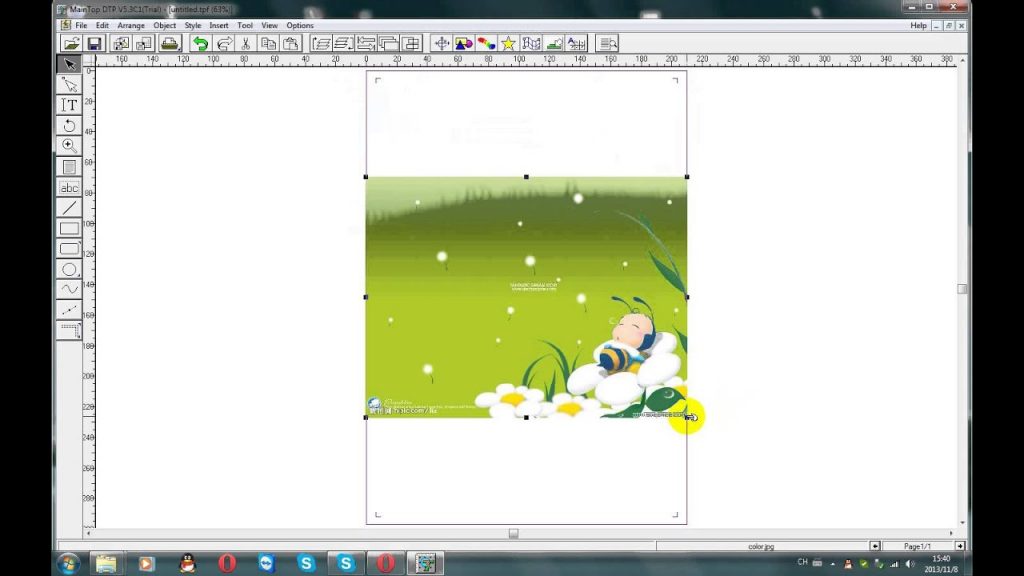
- Pre-defined configurations for various substrates.
- Control over printer functions and channel settings
- Adjustment of ink density, saturation and colour controls
- White ink options: full background coverage/straight white/colour white colour
- Allows to add your own ICC colour profiles to the RIP
- Allows to create templates for product positioning
- Repeat function allows to copy artwork for multiple product prints
- Dot size control for improved prints on curved or uneven surfaces
- Resolution settings:
- 720×1440 – photo, fine detail
- 720×2160 – photo, very fine detail, high quality, smooth substrates.
MBO 6090 UV Led — What will you create?
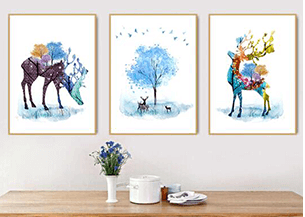
Turn everyday objects into products with a personal story. Names, photographs and brand colours open up new collections for shops, creative studios and promotional suppliers. Start with the objects you want to sell, then choose the print area and height that fit them.
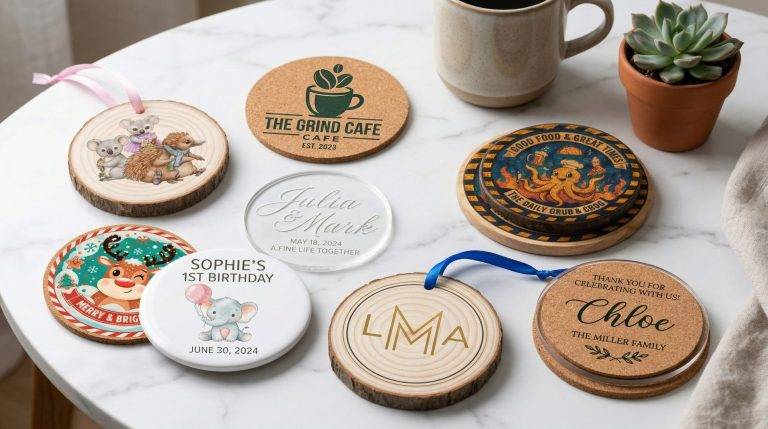

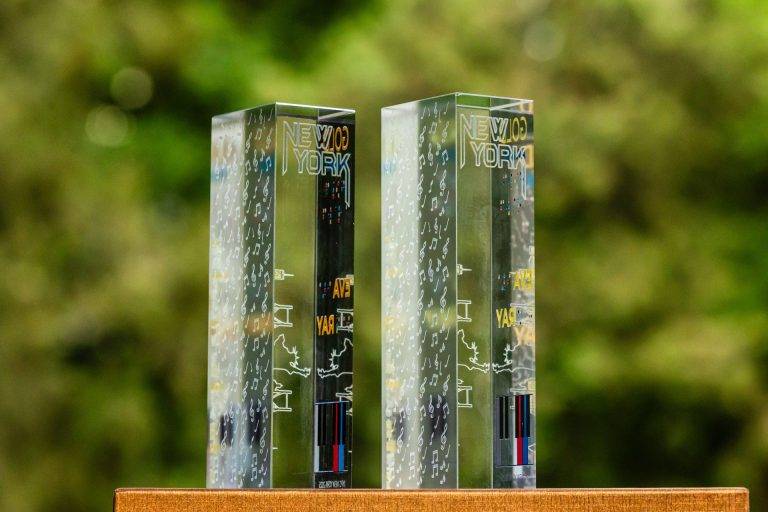
Application inspiration · confirm material and configuration with us.
From your idea to the first print
Start with your product
Share your material, dimensions, artwork and expected quantities. These details define the useful machine configuration.
Validate the result
Use a representative sample to check appearance, adhesion or engraving quality before committing to a production method.
Build your workflow
Consider preparation, loading, finishing and maintenance alongside the machine. Ask for a quotation matched to the complete job.
Is this the right machine for your project?
Compact printer or larger flatbed?
Choose around your largest object and the number of pieces per batch. A larger table can hold more items in a jig; loading, setup and the desired finish also determine practical output.
Start with your application. We will help with the machine.
Send us a description or sample of your product, the size to process and your target output. MQ Europe can help you compare the technologies and prepare a tailored quotation.
Discuss your project →